How to Add Bates Numbers to PDFs Online Free
Bates numbers put a sequence on every page of a document set, such as SAMPLE-000001. Papr adds them from Page Marks in Organize Pages, in your browser.
Step by step
1.Open the PDF
Click Open file in the toolbar, or drop the PDF onto the page. The pages appear in the viewer.
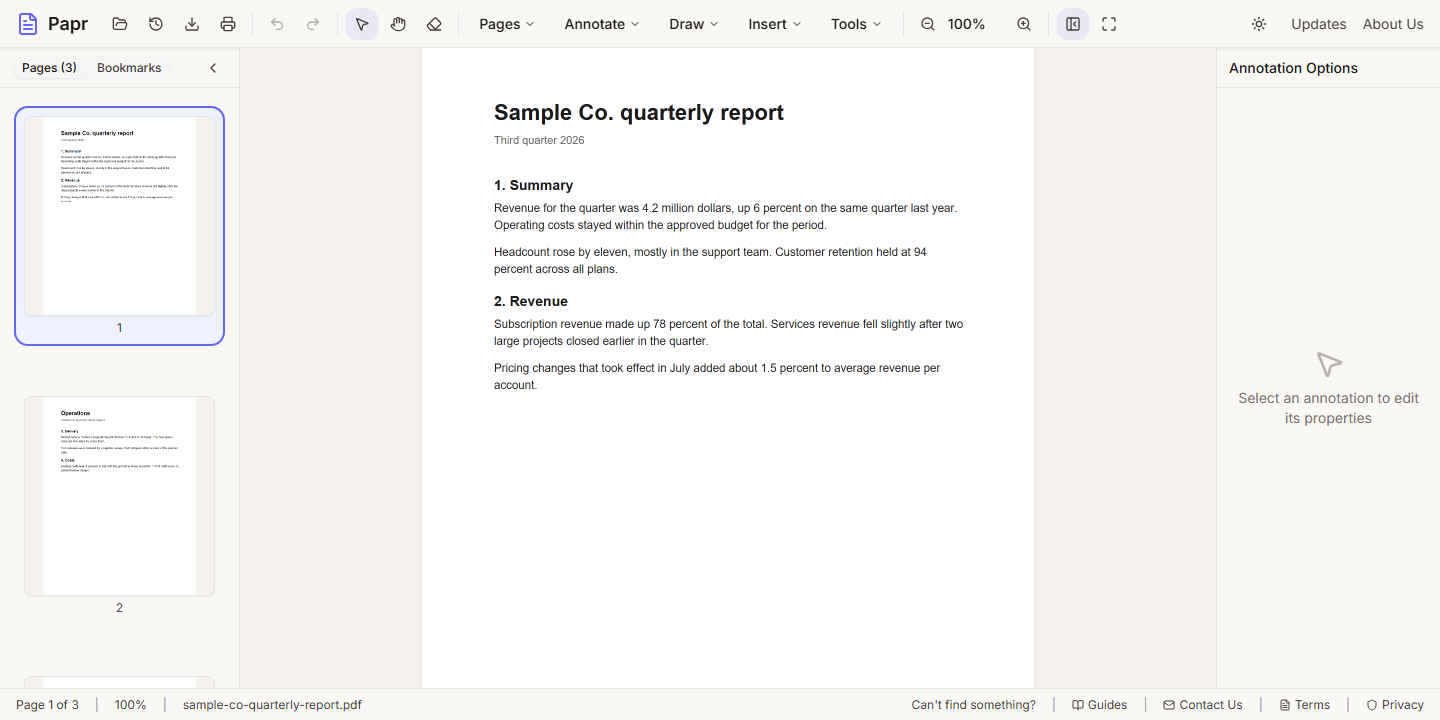
2.Open Organize Pages
Open the Pages menu and click Organize Pages.
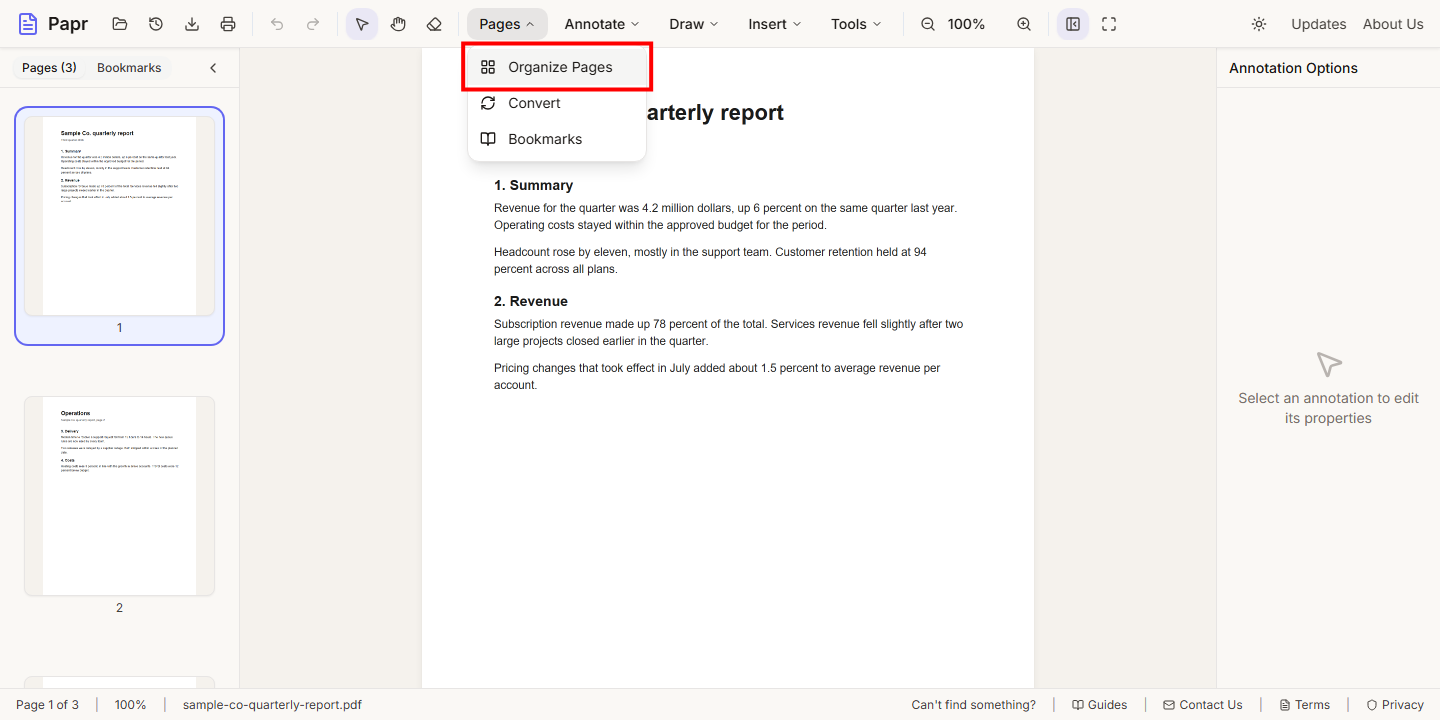
3.Open the Page Marks tab
Click the Page Marks tab. Bates numbering is the first option, and its settings are already on the screen.
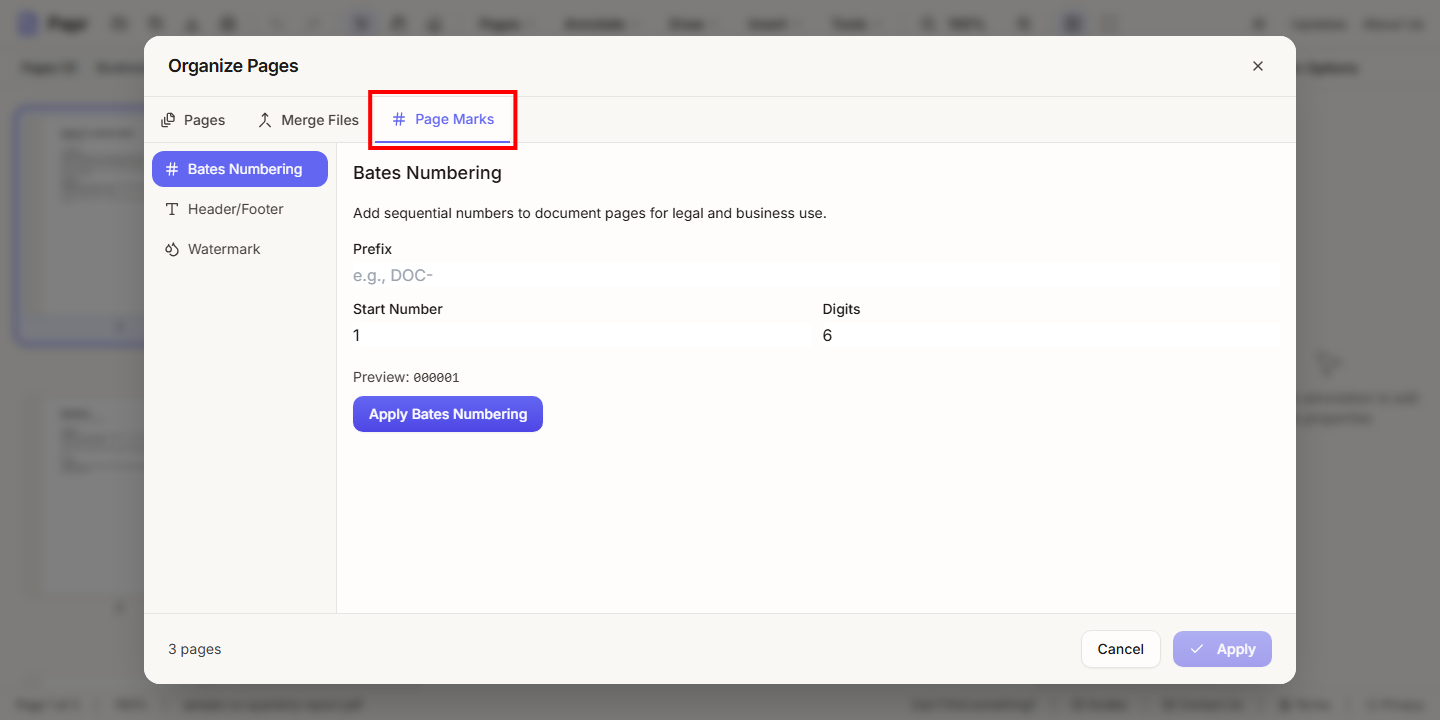
4.Set the sequence
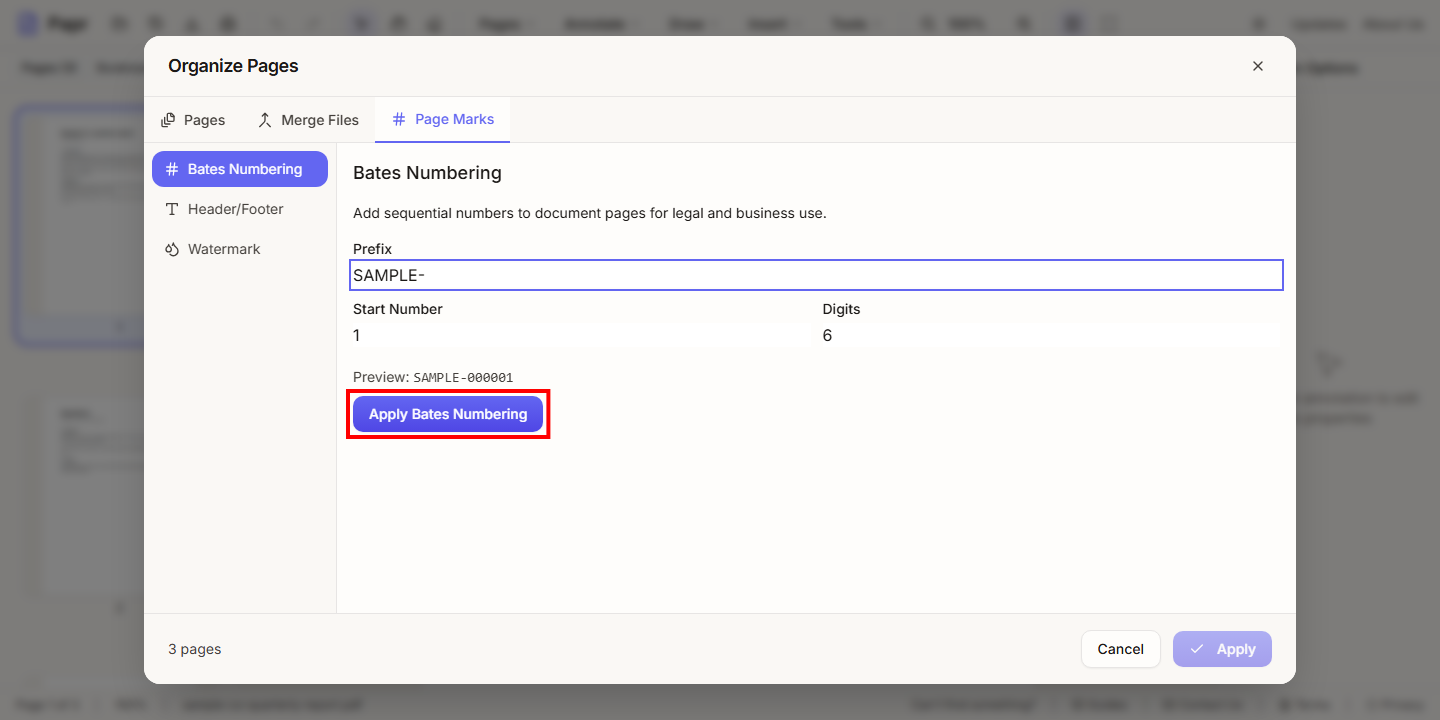
Type a Prefix, such as a matter or client code. Set the Start Number and the number of Digits. The line under the fields shows the first number, so you can check the format before you apply it.
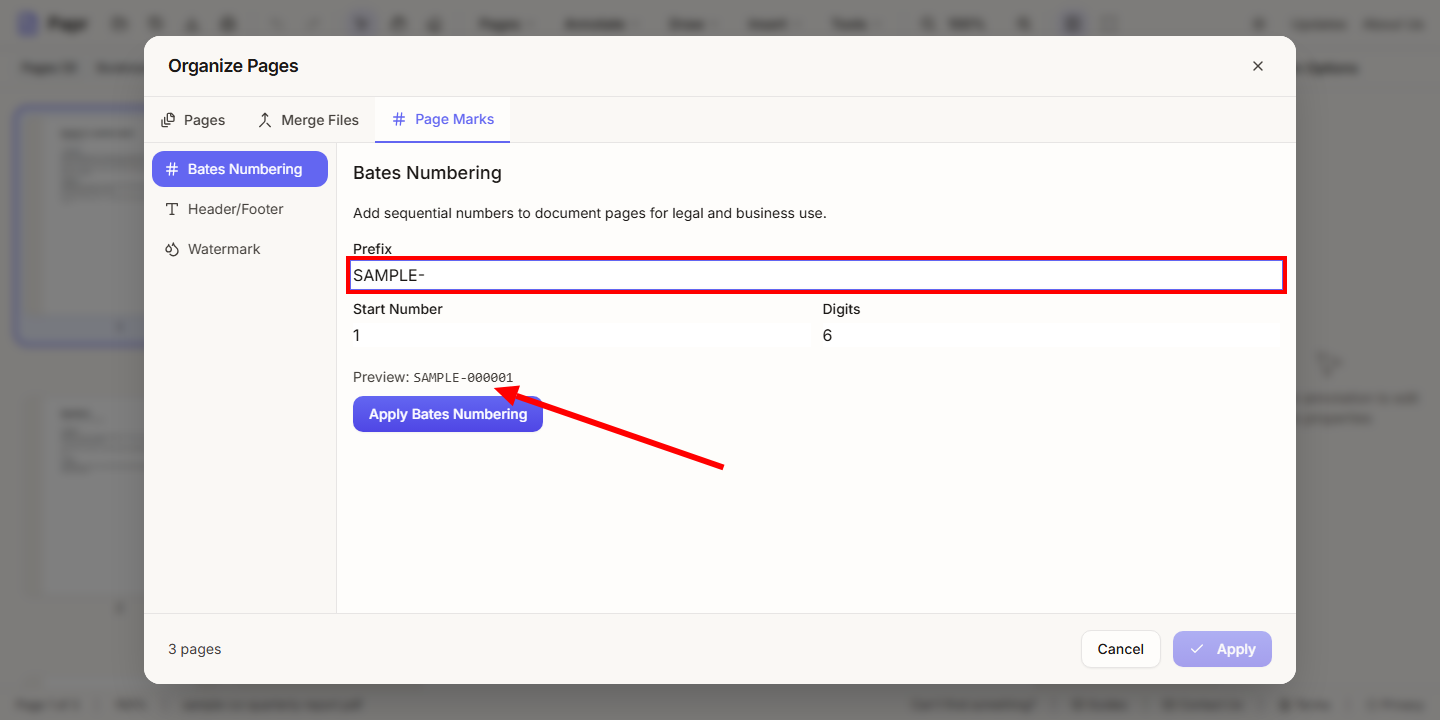
5.Apply the numbering
Click Apply Bates Numbering. This prepares the numbers for the pages. The document is not changed until you apply the window.
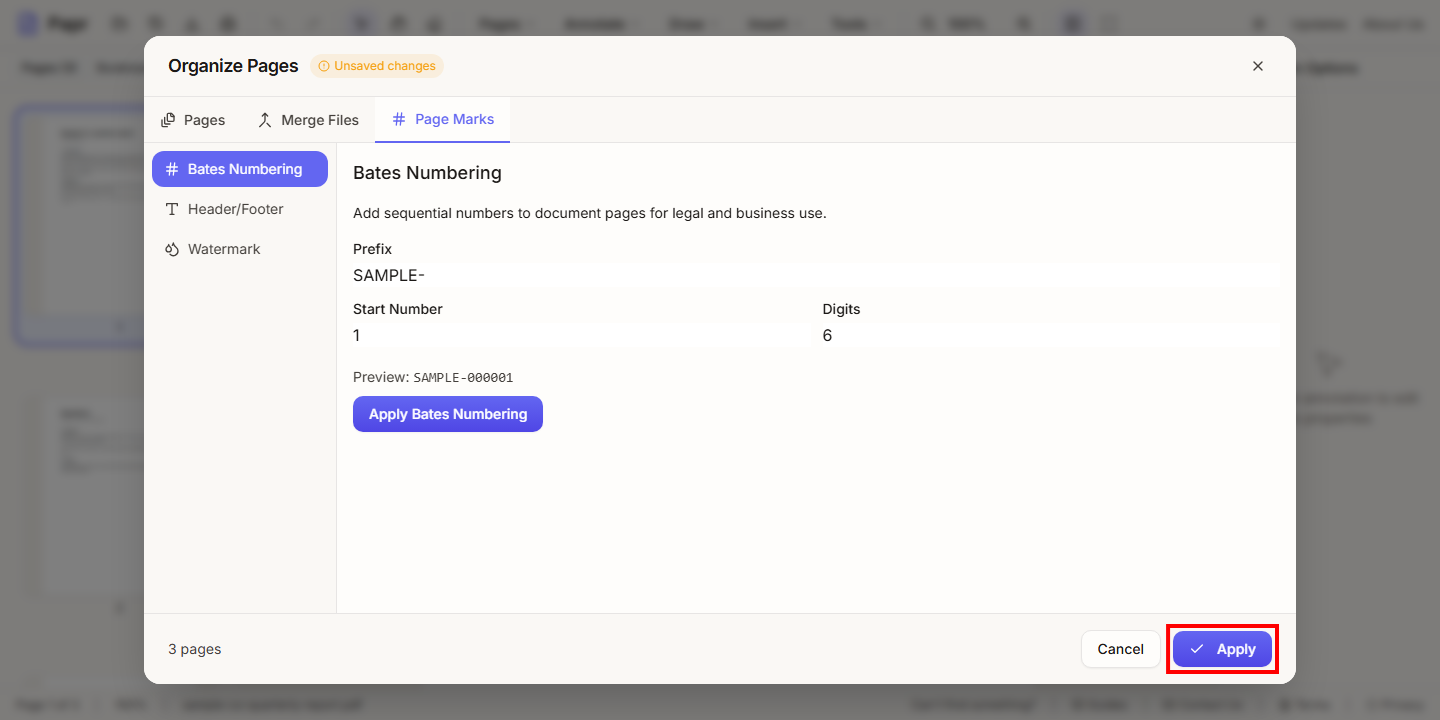
6.Apply the change
Click Apply at the bottom of the Organize Pages window. The numbers are added to each page, and the window closes.
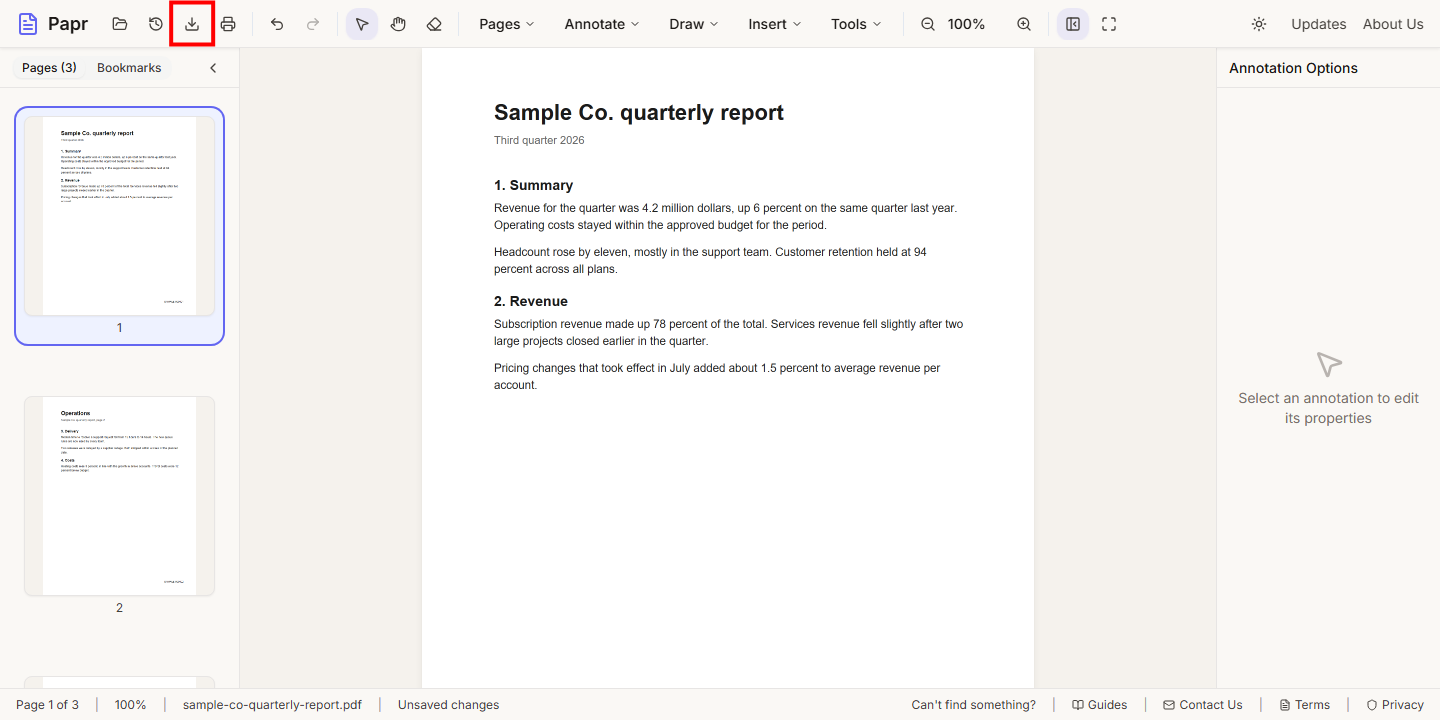
7.Export the numbered PDF
Click Export in the toolbar and save the file. The numbers are part of the exported PDF.
Tips
- Use a prefix that identifies the matter, so the numbers are easy to find in a shared folder.
- Choose enough Digits for the page count of the whole set. Six digits cover a million pages.
- Check the first and last page after you export, to see where the numbers landed.
Try it on your own file
Everything in this guide happens in your browser tab. Your file stays on your device.
Open the PDF editor