How to Convert a PDF to Word Online Free
Turn a PDF into an editable Word (.docx) document. The conversion runs in your browser, and the file is not uploaded.
Step by step
1.Open the PDF
Click Open file in the toolbar, or drop the PDF onto the page.
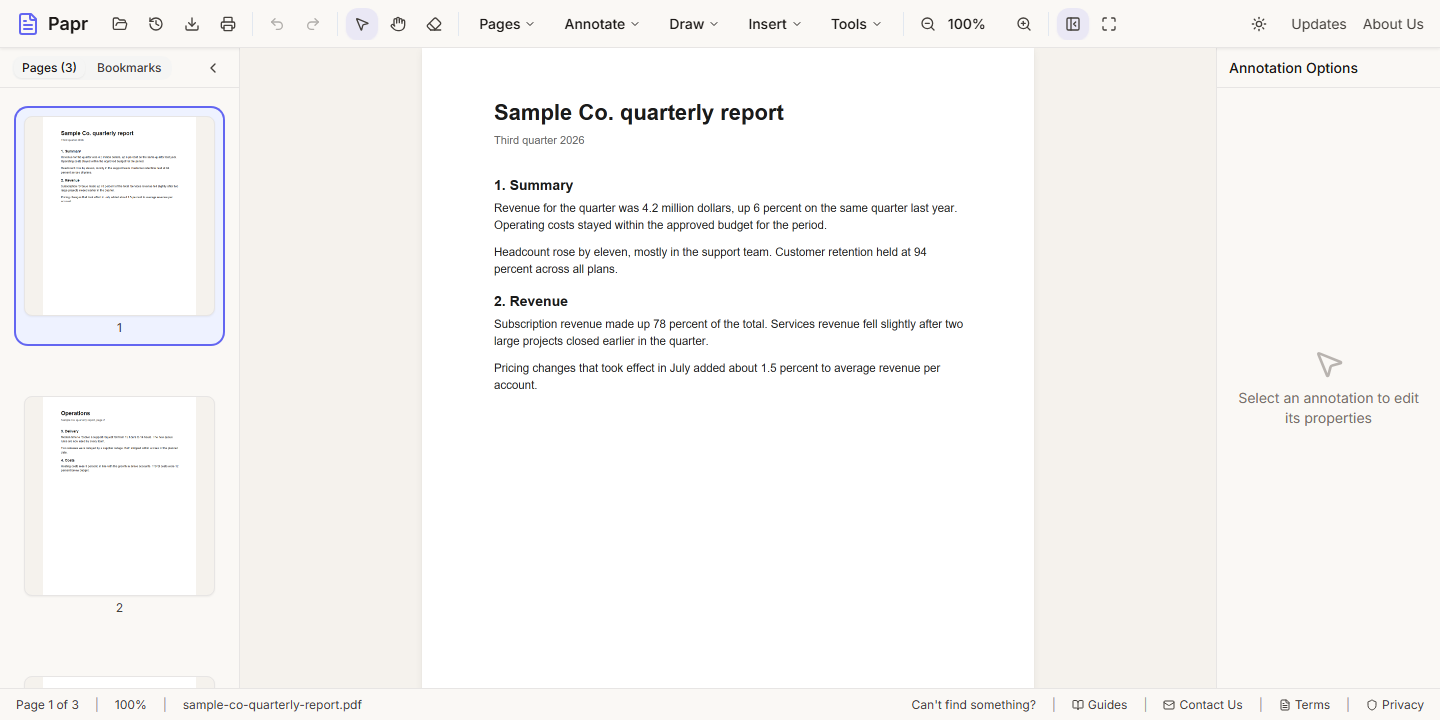
2.Open Convert
Open the Pages menu and click Convert.
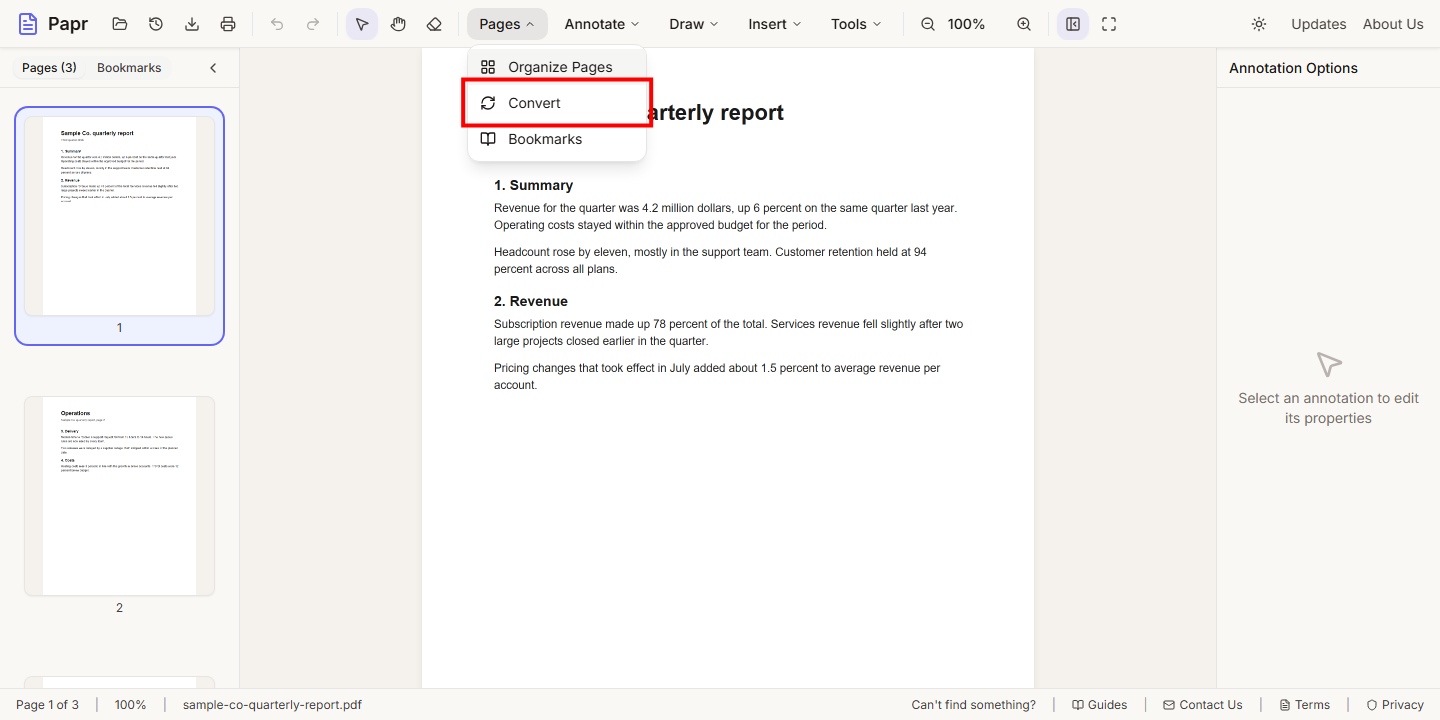
3.Choose Word
On the From PDF tab, click Word. Its file type is .docx.
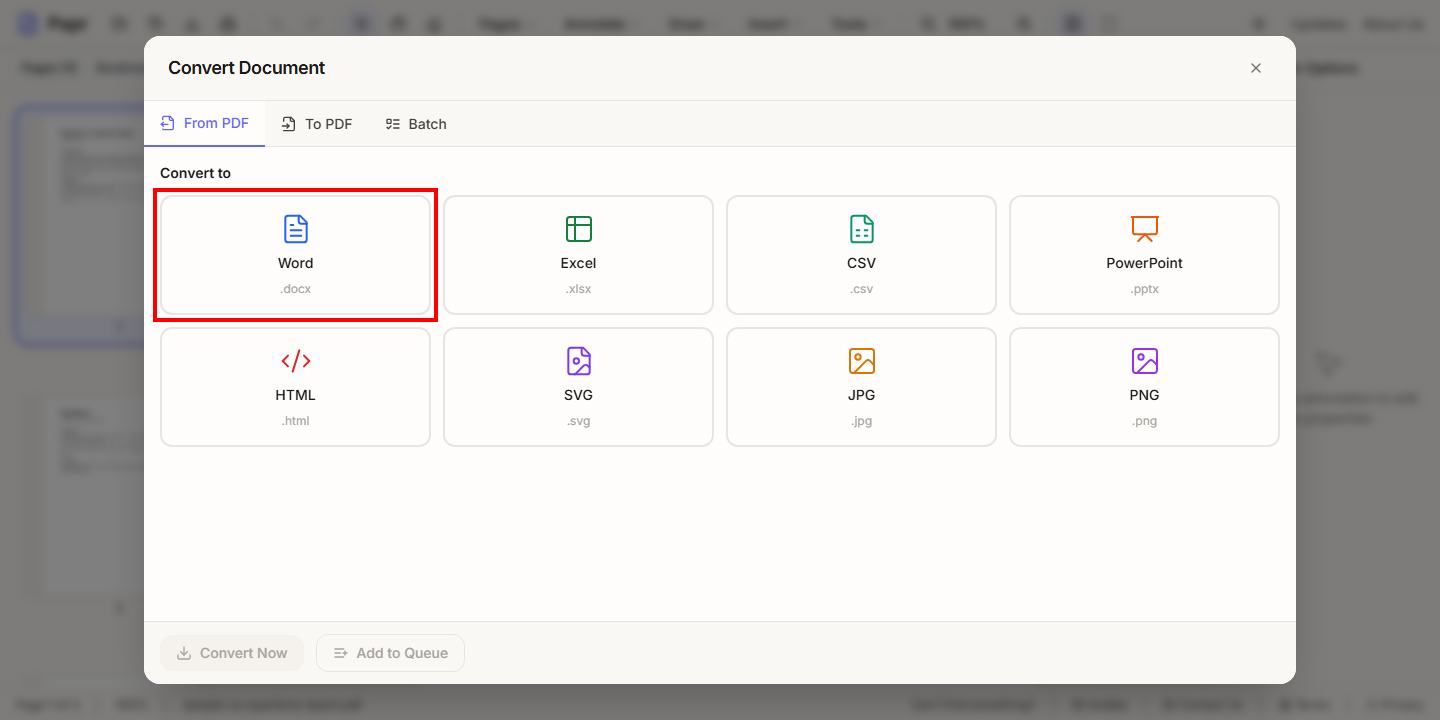
4.Choose what to keep
Choose the pages to convert. Then decide what the Word file keeps: Preserve formatting, Include images and Detect tables. Leave a box ticked to keep that part.
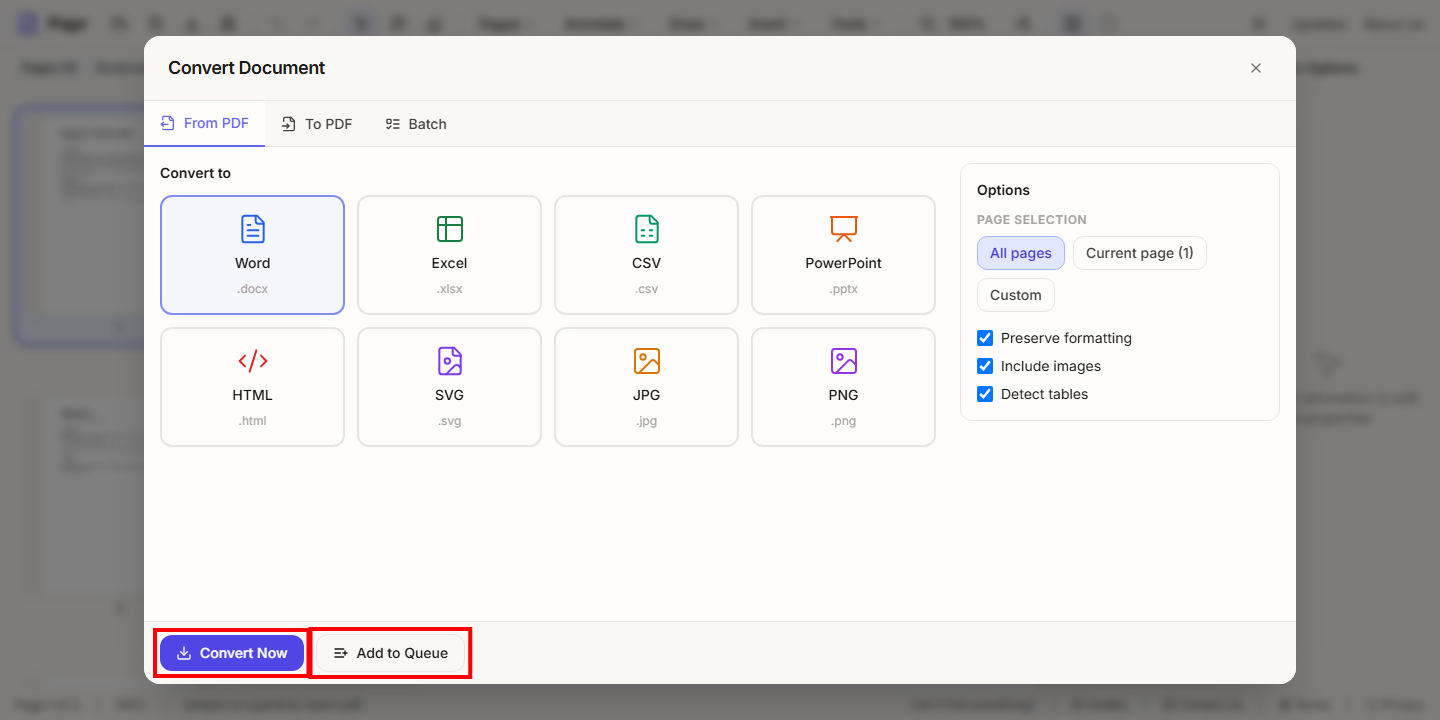
Check the result
Open the Word file and compare it with the PDF. Check the tables, the columns and the fonts, since a complex layout is the hardest part to keep.
Try it on your own file
Everything in this guide happens in your browser tab. Your file stays on your device.
Open the PDF editor